Thanks for visiting our blog. We hope you will find our site informative or inspiring. Whichever, get out and take some pictures.
Harold & Geet
Pictures on Flickr




It has been two months since I posted my Wordpress Website Overhaul 3 part series and I thought I should do a follow-up to that. Making sure your site is functioning just the way you want it, is an on going effort. So I thought I would provide some stats and also let you know what I removed, what I added and also cover a couple of things I didn't mention last time.
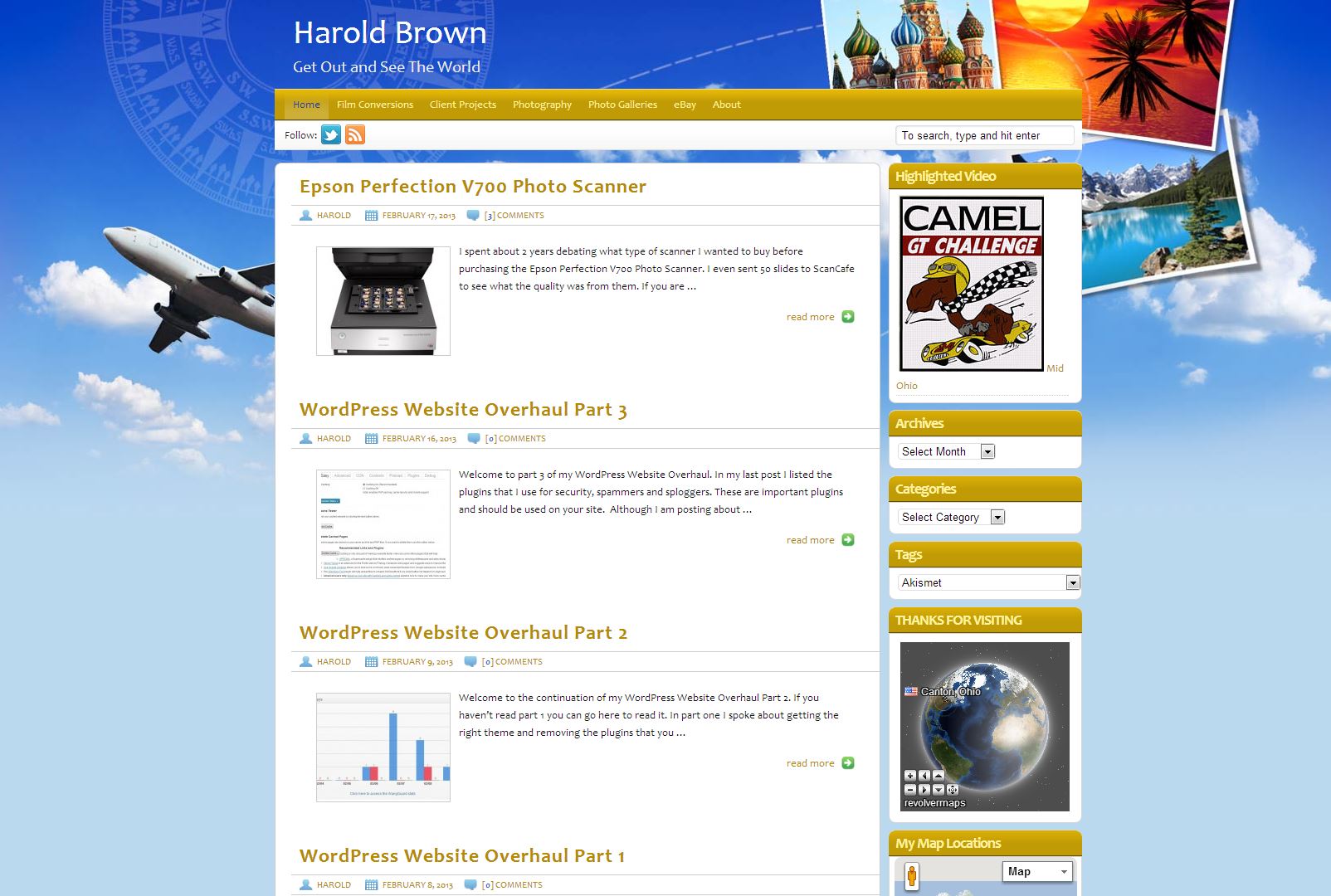
In my first post I mentioned how I had used multiple Themes and finally selected one that I like based on some functionality that it brought along with it. That is a good way to go, but you should also consider that relying to much on that functionality can eventually be a curse if you decide you want to change Themes down the road. I like the built in Google Maps functionality the Theme brings, but you can get that functionality without needing it in the Theme. Just something to think about.
There is generally a lot of chatter about how many plugins you should use and I mentioned that I use P3 (Plugin Performance Profiler). The reason I use it, is that it helps me to compare the efficiency of plugins of similar functionality. I can make a better choice if I know all of the pros and cons of each plugin. Not all developers understand performance tuning. That typically takes some time and skill to develop. I currently use 33 plugins on my site. I don't see P3 being a plugin that I keep active on my site, rather download it when I need it.
After 2 months of running NoSpamNX it had not caught a single thing, and after posting this information to the support site I receive no input from the author other than to mark my question as resolved. I noticed there was more support from members than the plugin author. So no results, no answers or help, it is gone. I deleted it from my plugin list since it wasn't doing anything.
Next up for my follow-up series was looking at the firewall plugin that I was using. In this case it was WordPress Firewall 2. It had not been updated for a long time and my site has more recently been getting hit harder and harder with spam traffic. There were times my site was being blocked by the plugin thinking it was a SQL Injection Attack. In reality it was me at Best Buy viewing my site from one of their laptops. Another case it was sending emails every half hour for over 2 days from the same IP address. There was no sign that it would ever stop. I needed to get a new firewall plugin!
I decided to remove the "WordPress Firewall 2" plugin and replace it with OSE Firewall™, it is a single plugin but it also comes with OSE Anti-Spam™ (uses Stop Forum Spam IP address pool) and OSE Virus Scanner™.
The anti-spam feature is great and provides me with the extra coverage I was looking for after removing NoSpamNX. No need to look for a replace for it! The OSE Anti-Spam™plugin will allow you to set how aggressive you want it to be identifying spam. For those things it lets go by, I depend on Akismet and AVH First Defense Against Spam to catch. So far no spam has made itself seen on my site. It is either stopped or displayed in the spam area of my comments for review. My only comment is that OSE Anti-Spam™ doesn't provide any feedback on what it is doing unless you have emails sent to your inbox, so that is what I am doing. I get a lot of emails of type "Stop Forum Spam IP"! Right now I feel the combination of the three anti-spam plugins I have running are doing a fantastic job of controlling spam.
The OSE Virus Scanner™ feature of the plugin provides scanning for viruses. It also displays a security badge on the bottom right corner of your site providing information to your visitors that you care about the safety of your site and theirs.
My updated list:
For security and spamming I use several plugins and most likely this is something that I will look at from time to time and perhaps try a few new plugins. I currently use;
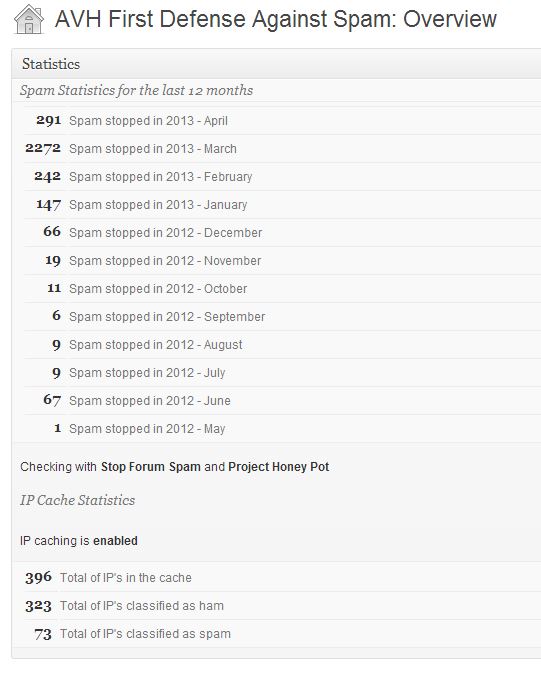
For those of you who like to see screen shots, attached are a few that I snapped for this article. You can see that March was a big spam month on my site. However, now that I have started to use OSE Firewall™ the AVH counts will be smaller, but only because the new firewall anti-spam is catching some of those spams now.
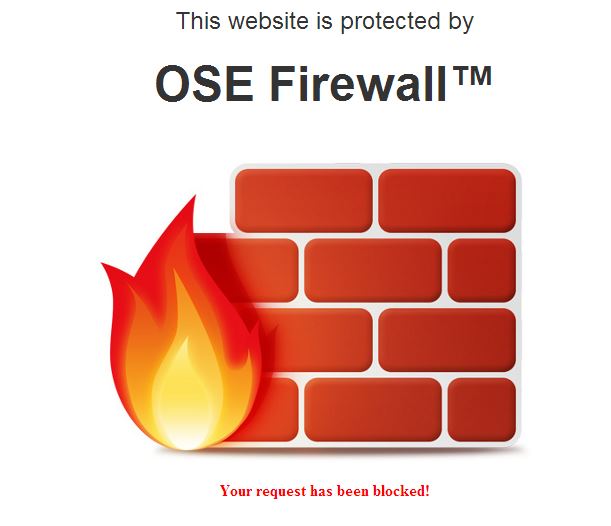
The new firewall can block against many types of attacks. If it detects an attack, a block page is displayed to the attacker. You also can test your sites firewall via a built in check in the plugin. This can give you peace of mind that your site is being protected.
I have not spent a lot of time discussing AVH but it is a great plugin and part of the trio of plugins I use for spam. It provides links in email communications that allow me to blacklist an IP with just a click. It will also notify me when some attempts to access directly the wp-comment-post.php.



A distributed denial-of-service attack? What's up with that?
I have not talked about the other plugins I use that personalize my site, those are very subjective. However, I will mention that I recently changed my view on social buttons. I originally liked displaying the buttons (Twitter, Facebook, G+, Pinterest) with counters, but more recently I decided that I don't want to add any overhead to my site that getting the counts brings with it. I recently switched to Simple Share Buttons and am very satisfied with the look and performance of the plugin. Check them out.
I hope the information above helps you in your ongoing work of keeping your Wordpress site up-to-date and if you think some of the plugins I mention could be of value to you give them a try. All are easy to use and provide good results.
Now back to my photo editing! Working on scanned negatives from December 1983. Enjoy life!
Welcome to the continuation of my Wordpress Website Overhaul Part 2. If you haven't read part 1 you can go here to read it. In part one I spoke about getting the right theme and removing the plugins that you really do not need. Of course that can be subjective, but you do need to take a hard look at what plugins you just don't need. I am a register DISQUS user and was using it on my site. However, I really don't do that much commenting on the web and my site has very few comments (not that I don't get a lot of comments in the spam bucket that I delete). Of course the amounts of comments I get can change, but thinking about it, I really didn't need to be using DISQUS and of course it was adding to my site load times. I am now using the WordPress comment system and do not require registration. That can add to the spam on your site and the need for additional plugins to control. I felt that not requiring registration makes it easier to comment and more visitor friendly so for me that is the best route to take. I know a lot of people debate what comment system is best and it is probably more of a personal option and choice more than anything else.
The next thing you really need to consider is how to protect your site from the evil of the world. You don't want to host viruses, link to shocking sites, participate in pyramid schemes or have your website host shut you down! Like it or not you should try to lock your site down. Make your login password secure and look at plugins that can help keep access to your site secure. I use Login LockDown "Adds some extra security to WordPress by restricting the rate at which failed logins can be re-attempted from a given IP range". There are other plugins that you can look at and determine which is best for you.
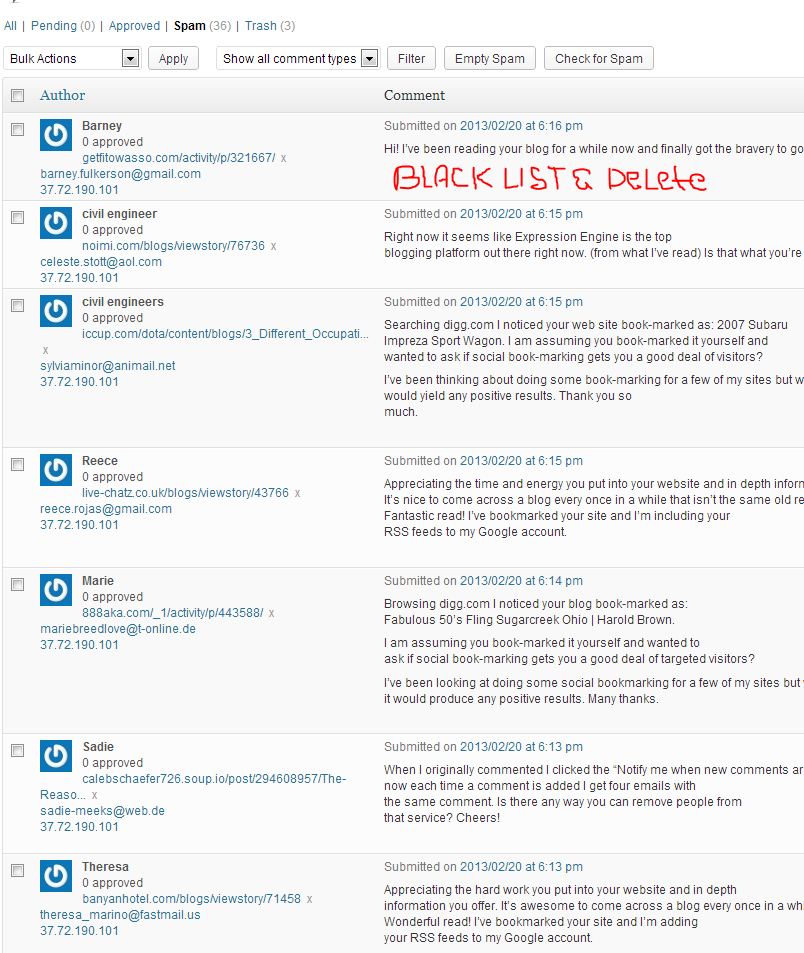
For spam I use several plugins and most likely this is something that I will look at from time to time and perhaps try a few new plugins. I currently use;
I also have a few other plugins related to security;
Finally I use a couple of plugins to help control splogging and junk email.
I had a plugin that provide a system health/info display on my dashboard, but I could get similar information from the BulletProof Security plugin so I was able to delete that plugin and still get the info from BPS.
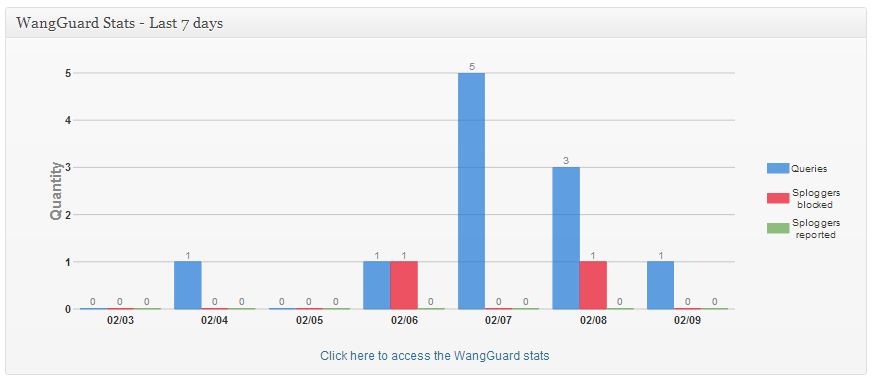


I recommend you take the time to look again at the plugins you are running and see if there is any overlap in the functionality they are providing you. Look at other plugins not installed and see if perhaps they are better suited for your needs.
Look for part 3 of my WordPress Website Overhaul series.

Thanks for visiting our blog. We hope you will find our site informative or inspiring. Whichever, get out and take some pictures.
Harold & Geet